Product guide ·
Single Monitor Arm – Gas Spring, White (TVD-9267): from standard monitors to 49 in ultrawides
This white gas-spring arm carries screens from 17 to 49 in, which covers everything from a basic office monitor to an ultrawide. Here is how to specify it for an office fit-out or a resale range.
What the arm is and who buys it
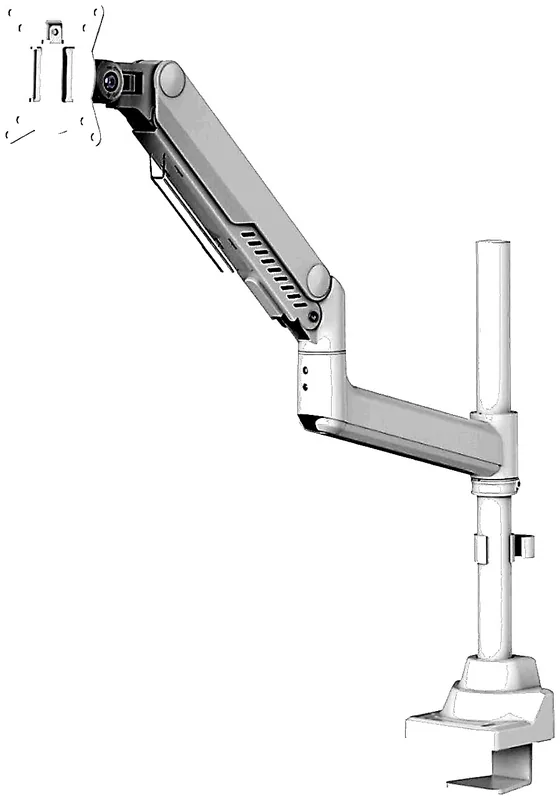
The Single Monitor Arm – Gas Spring, White (TVD-9267) is a single-screen arm with a gas spring and a clamp mount. It carries a flat screen up to 18 kg or a curved screen up to 15 kg, and it takes screens from 17 to 49 in. White is the colour: the pairing the listing implies is a white or light desk in a bright office, a design studio or a home office where black hardware looks heavy.
Offices and retailers are the typical buyers. An office buys arms by the dozen to clear desk space and let staff set their own screen height; a retailer buys a range to resell alongside monitors and desks. The 49 in upper limit is what makes this arm distinctive in the line. The black single arm, covered in our black single monitor arm guide, is listed for 2 to 9 kg screens from 15 to 32 in, so this white arm is the one for large, heavy or ultrawide displays.
What the listed features mean in practice
- Gas spring. A gas spring is a sealed pressurised cylinder inside the arm that balances the weight of the screen, so the screen moves up and down with a light push and stays where you leave it. It is the same idea as the lift on an office chair. It relies on matching the arm's range to the screen's weight; a screen much lighter or heavier than the range will drift up or sag. The gas in a gas spring is nothing to do with fuel gas.
- Clamp mount. The arm grips the edge of the desk. Clamps depend on desk thickness and edge construction: thin desks, waterfall edges, rails and cable trays under the desk can get in the way. Ask for the thickness range the clamp accepts, and whether a grommet mount, which passes through a hole in the desk, is included.
- Flat 18 kg, curved 15 kg. Two ratings because a curved screen puts more leverage on the arm. Weigh your actual monitors with the stand removed, since the arm carries the panel without its heavy base.
- 17 to 49 in screens. A very wide range. Size and weight are two separate limits: a 49 in ultrawide can be near the weight limit, while a 17 in screen is far below it. A light screen on this arm may need the tension set carefully, so ask the quote for the weight range the spring is tuned for.
How to specify it: a checklist
- Screen sizes, weights and whether any are curved. Add a margin for a built-in speaker bar or webcam.
- VESA mounting pattern of each monitor; confirm the arm's plate accepts it, and whether adapters are needed for large screens.
- Desk thickness and edge type for the clamp, and whether a grommet mount is supplied.
- Reach, height travel and tilt, swivel and rotation ranges, stated in metric and imperial.
- Cable management: clips on the arm and whether they suit the thicker cables of large screens.
- Finish: the white colour and whether it is paint or powder coating, which matters for chip resistance in busy offices.
- Carton size, units per carton and units per container.
Compared with the rest of the line
| Product | Screens | Choose it when |
|---|---|---|
| Single Monitor Arm – Gas Spring, White (TVD-9267) | One screen, flat 18 kg or curved 15 kg, 17 to 49 in | Large or ultrawide displays, light-coloured desks |
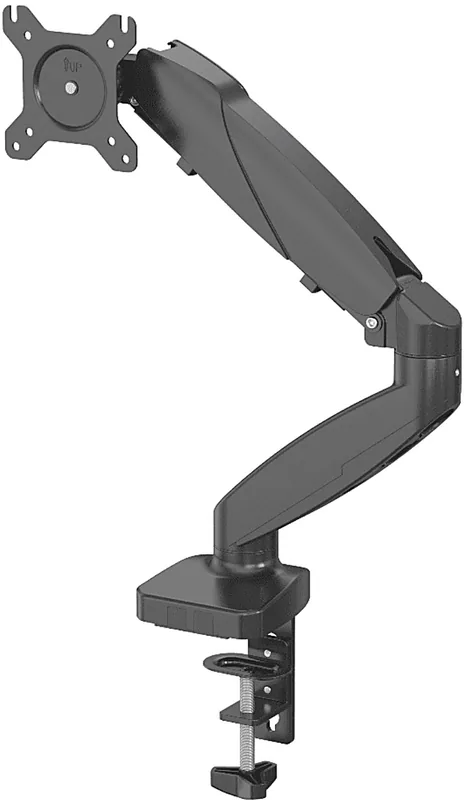
| Single Monitor Arm – Black (TVD-9268) | One screen, 2 to 9 kg, 15 to 32 in; a glass-top mount version | Standard office monitors, black decor, glass desks |
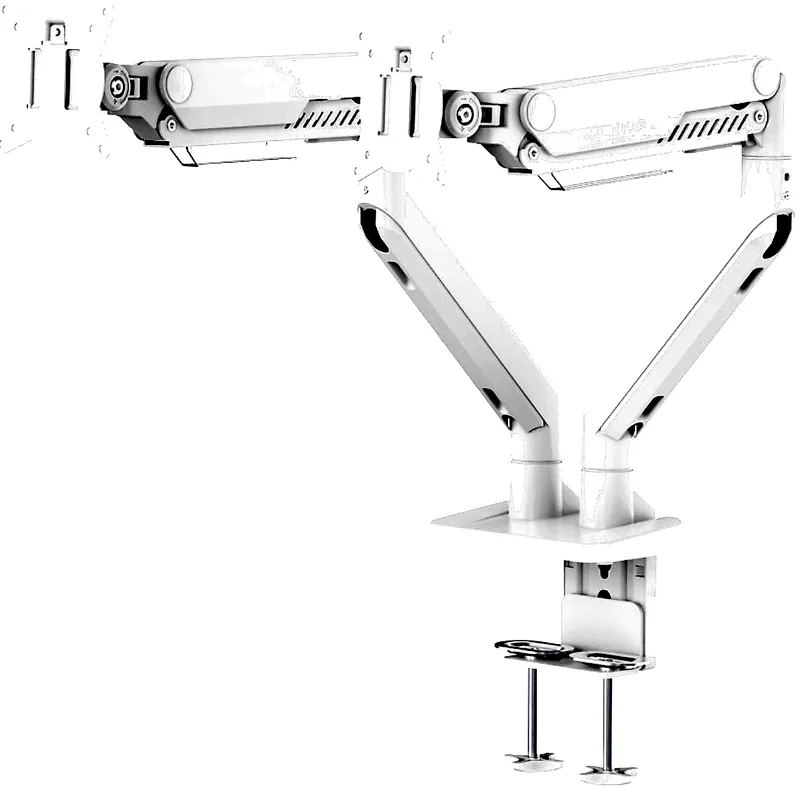
| Dual Monitor Arm – White (TVD-9269) | Two screens, flat 18 kg or curved 15 kg, 15 to 45 in | Two screens on one clamp, in white |
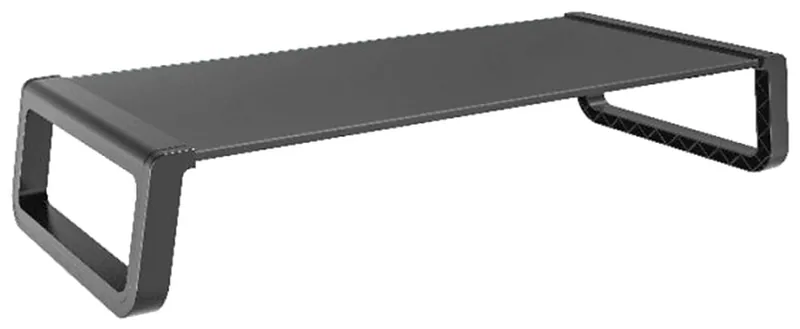
| Monitor Riser Stand – Black (TVD-9271) | A stand rather than an arm | No clamp or drilling on the desk |
If you want two screens, our dual monitor arm guide explains how the dual white arm handles two screens on one clamp. The stand alternative is covered in the monitor riser stand guide.
Canadian use notes
This arm has no electrical part in its listed features, so no electrical mark is part of a standard order; if you add a version with powered or USB parts, the Canadian electrical certification questions start again, and we confirm them on the quote. Office buyers sometimes ask for ANSI/BIFMA-type test reports for desk accessories as a tender specification. That is a buyer requirement rather than federal law, so check what your tender names. No certification mark or test report is on file for TVD-9267, so we do not call it certified; we confirm the status and supply documents with the quote before you order. Rules change. Confirm with your inspector or tender authority. For import points across the whole line, see the monitor arm and desk stand compliance guide.
Practical Canada notes: office buildings with raised-edge or thick laminate desks may need a different clamp depth; open-plan desks shared in hot-desking offices often have thin dividers, so clamp to the main desk, not the partition. Winter freight can chill metal parts and packaging, so let cartons warm up before unpacking to avoid condensation on the finish. Cartons for arms are dense, and heavy loads are common, so plan how pallets are received and carried into the building.
How ordering works
Your quote request should list screen sizes, weights, desk thickness and quantity. The written quote then gives price for the quantity, specification, certification status, packing, lead time and delivered cost to your address. Many lines have low trial quantities and samples are available on most items with the sample cost usually credited to the first order, so ordering one arm and testing it with your largest screen is a sensible start. Payment is 30% deposit and 70% before release, and items from several factories can share one container. See how ordering works, the sales tax guide and the monitor arms and desk stands line. A free account shows the full specifications on the product page.